Premium Feature | Available to Platinum & Diamond Plan Sellers
What is Chatway Live Chat?
Chatway is a customer messaging platform that adds a live chat widget to your storefront so shoppers can instantly reach out while browsing your shop. Messages are managed through the Chatway dashboard, where you can reply to customers, organize conversations, automate responses, and collaborate with teammates.
It helps create a more direct and personal shopping experience while giving sellers a simple way to manage support conversations in one place.
What Chatway Live Chat can help you do
Chatway can help you:
- Answer customer questions in real time
- Reduce abandoned carts by helping shoppers before they leave
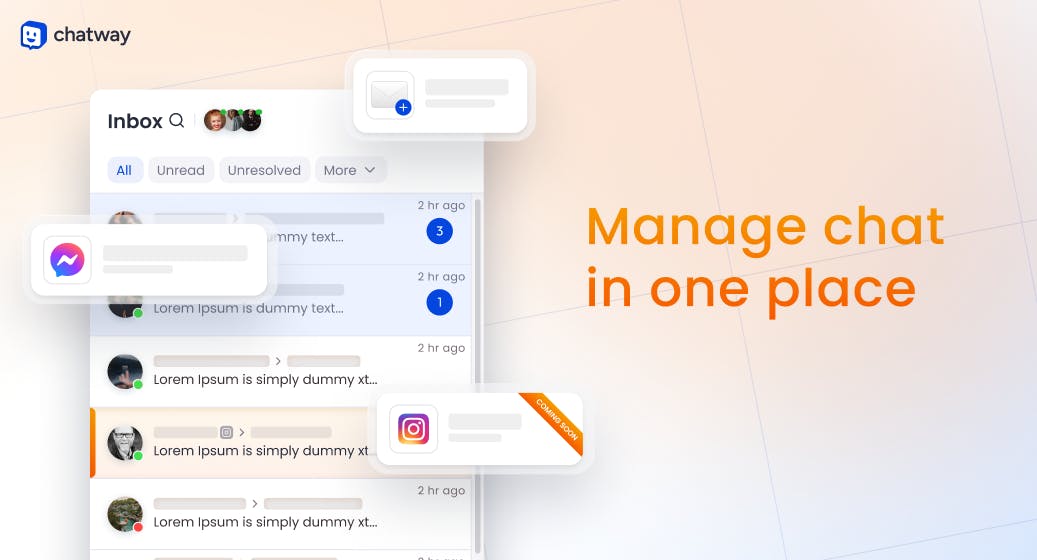
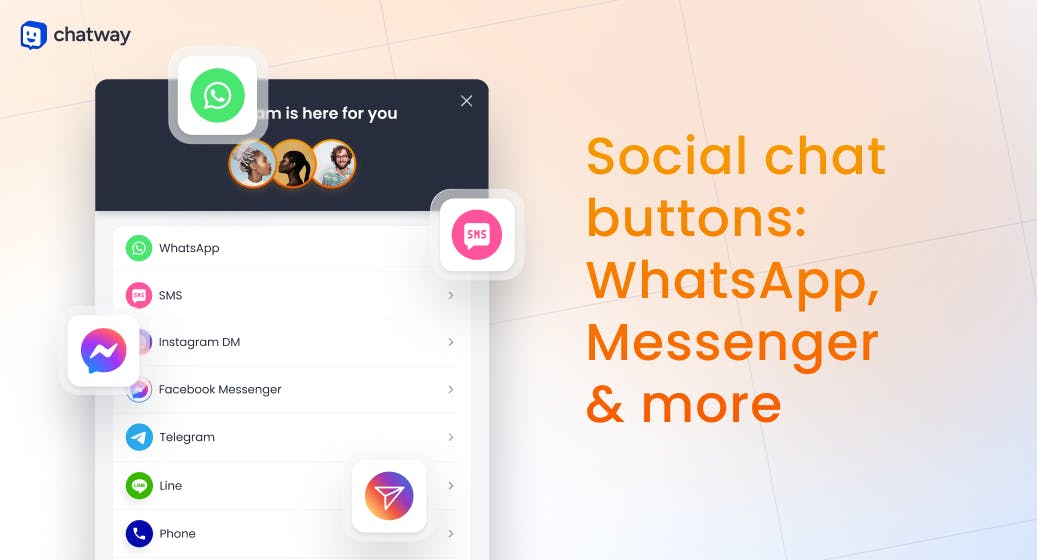
- Manage website chat, email, and Facebook Messenger conversations together
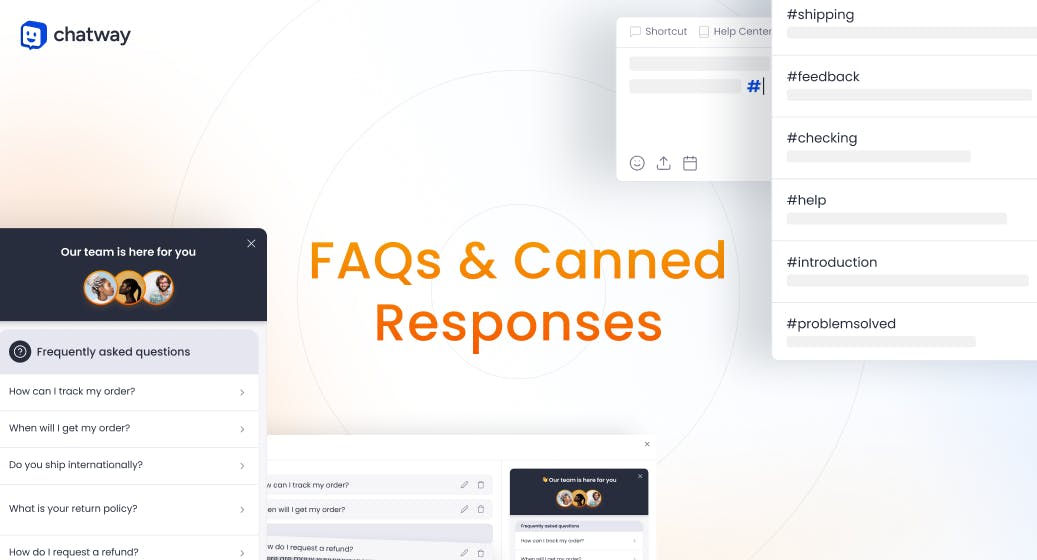
- Automate common replies with AI and FAQs
- Collect customer information during chats
- Stay connected with customers from your phone using the mobile app
- Improve customer satisfaction with faster support
- Track customer conversation history and interactions
Chatway Live Chat pricing
Chatway offers a generous free plan for small businesses, with optional paid plans that unlock additional features and support.
You can start using Chatway for free and upgrade later if your business needs additional automation, agents, or advanced tools.
Big Cartel plan requirements
A paid Big Cartel plan is required to connect and use the Chatway integration.
Gold plans do not support app integrations. Upgrade to a paid plan to install Chatway and connect it to your storefront.
What syncs between Big Cartel and Chatway Live Chat
When connected, Chatway syncs with your storefront to display a live chat widget for your customers.
This includes:
- Live chat widget installation on your storefront
- Customer conversations flowing into the Chatway dashboard
- Customer interaction history and chat data inside Chatway
- Real-time messaging between you and your customers
What doesn’t sync
Some parts of your shop remain separate from Chatway.
This includes:
- Chatway messages do not appear inside your Big Cartel admin
- Orders and product management are not handled inside Chatway
- Contact form submissions and Chatway chats are separate systems
- Product edits and inventory are not managed through Chatway

Key features
Easy setup
Big Cartel and Chatway make setup simple with no coding required. Once connected, Chatway automatically installs the live chat widget onto your storefront.
Free plan available
Chatway offers a forever free plan, making it easy for smaller shops to start providing live support without additional upfront costs.
Mobile apps
Use Chatway’s iOS and Android apps to respond to customers from anywhere. Push notifications and email alerts help ensure you never miss a message.
AI responses and automation
Set up AI-powered replies, FAQs, saved responses, and business hours to help customers even when you're away.
Multilingual support
The Chatway widget supports over 20 languages, helping you communicate with customers around the world.
Team collaboration
Invite teammates, assign conversations, leave private notes, and work together to manage customer support more efficiently.
Centralized communication
Manage website chats, email conversations, and Facebook Messenger messages from one dashboard instead of juggling multiple platforms.
Why sellers use live chat
Adding live chat to your storefront can help create a more responsive and trustworthy shopping experience.
Customers often have quick questions before placing an order, including:
- Shipping questions
- Sizing clarification
- Product recommendations
- Custom order requests
- Restock questions
Live chat gives customers an easy way to get answers quickly without leaving your shop.
Common use cases
Answering pre-sale questions
Help customers make quick buying decisions by answering product, sizing, or shipping questions in real time.
Reducing abandoned carts
Engage shoppers while they browse and remove friction before checkout.
Providing instant support
Resolve issues faster than traditional email support.
Automating FAQs
Use AI responses or saved replies to handle common customer questions automatically.
Managing conversations in one place
Keep website chats, Messenger conversations, and customer communication organized in a single dashboard.
FAQs
Is Chatway free?
Yes. Chatway offers a free plan with optional paid upgrades.
Can I use Chatway on mobile?
Yes. Chatway has iOS and Android apps so you can manage conversations on the go.
Does Chatway replace my contact form?
No. Chatway works alongside your contact form as an additional communication tool.
Can Chatway automatically respond to customers?
Yes. You can enable AI responses, FAQs, saved replies, and automation tools inside Chatway.
Do I need coding experience to install Chatway?
No. Setup is designed to be simple and does not require coding.
Where do I manage messages?
Messages are managed inside your Chatway dashboard, not inside your Big Cartel admin.
Need Help?
If you need help setting up or managing Chatway:
- Contact Chatway support
- Reach out to Big Cartel support if you need help connecting the integration to your shop